
Opera
Opera is a free web browser for Windows from Opera Software. The stable release is 136.0.6008.22, published on 17 September 2026.
133.1 MB

SRWare Iron is a Chromium-based browser for Windows that removes Google's tracking and data-sending features while keeping Chrome compatibility.
Average 0.0 · ratings: 0
Thank you! Your rating is saved; you can change it. Could not save the rating. Please try again later. Too many ratings from your network today. Please try again tomorrow. The average appears after 5 ratings.
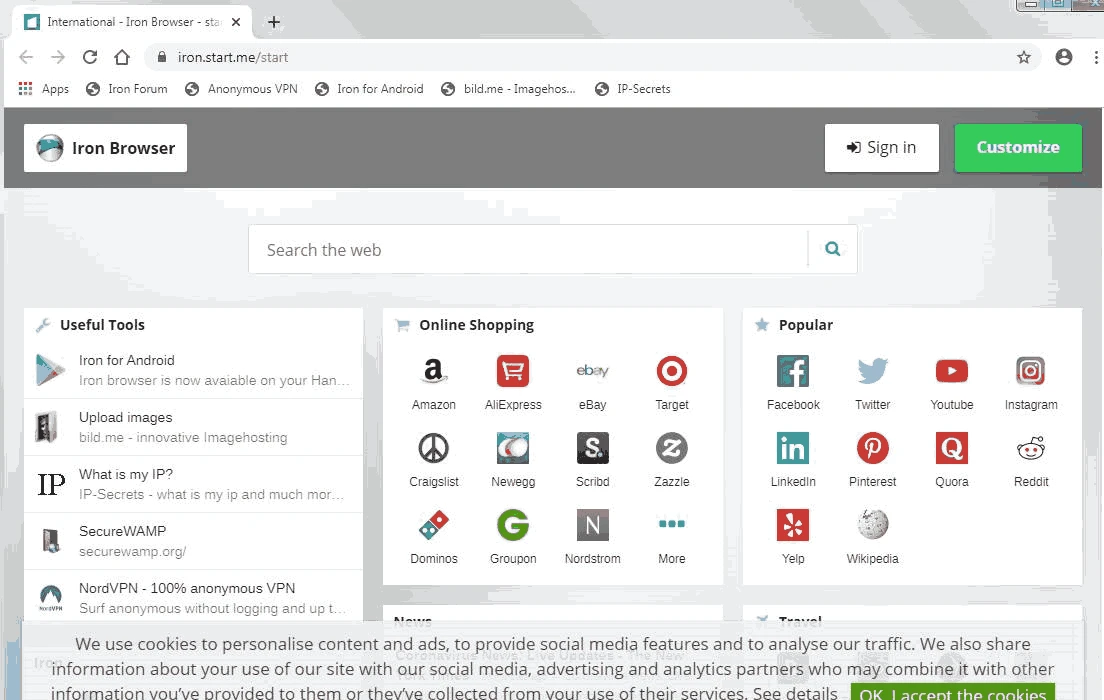
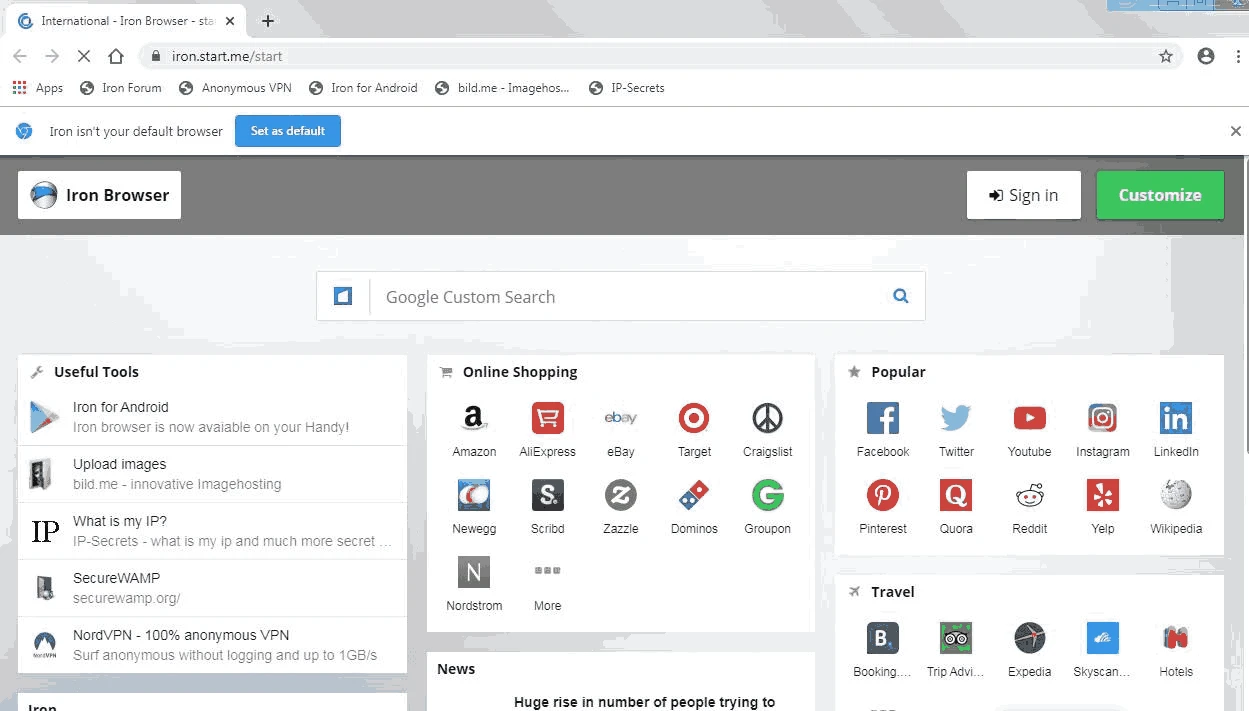
SRWare Iron 150.0.7900.0 is a Chromium-based web browser for Windows from SRWare, first presented on 18 September 2008. People download SRWare Iron to get a browser that looks and works like Chrome but sends less data to Google.
Soon after Google released Chrome, privacy advocates criticised it for features that could identify users or report usage: a unique client ID, an installation tracking token, automatic suggestions sent while typing in the address bar, error reports and background update services. SRWare took the open-source Chromium code, removed or disabled these parts and released the result as Iron. The idea has stayed the same through many versions. Iron uses the same engine as Chrome, so pages render identically and extensions from the Chrome Web Store work. What changes is behind the scenes: fewer connections to Google's services and settings that start from a more private default. The browser is available for Windows, macOS, Linux and Android. The developer announces each new build on its forum, for example the Iron 150.0.7900.0 release post.
Current releases target Windows 10 and newer. For Windows 7 and 8, SRWare keeps a separate Iron 109 download page with installer and portable builds from 2023-02-06 in 32-bit and 64-bit versions. That older line no longer follows new Chromium releases.
The Windows installer is about 128.04 MB according to catalogue data.
Privacy and security are not the same. Iron is released after the Chromium code it is based on, so security fixes may reach it later than they reach Chrome, and you have to install updates manually. Keep an eye on new versions and update promptly.
Iron suits users who like Chrome but prefer fewer background connections, and those who want a portable Chromium build. If you rely on Google account sync across devices, stable Chrome will be more convenient.
Yes, Iron is free to use, distributed under the developer's end-user licence agreement.
Other privacy-minded browsers on our site include Mullvad Browser, DuckDuckGo and Thorium Browser, plus plain Chromium and Cent Browser.
Opera is a free web browser for Windows from Opera Software. The stable release is 136.0.6008.22, published on 17 September 2026.

UC Browser for Windows is the desktop version of the web browser from UCWeb, a Chinese mobile internet company.

Google Translate is Google's multilingual machine translation service, used on Windows through the website and a browser extension.

Microsoft Edge is Microsoft's web browser, preinstalled on current Windows versions and available as a free download for reinstalling or updating.

Mozilla Firefox is a free and open-source web browser developed by Mozilla, available for Windows, macOS, Linux, Android and iOS.

Google Chrome is the free web browser from Google. The stable Windows release is 154.0.8037.58, out since 22 September 2026.

Cent Browser is a free Chromium-based browser for Windows from Cent Studio that adds mouse gestures, tab tweaks and other power-user options.